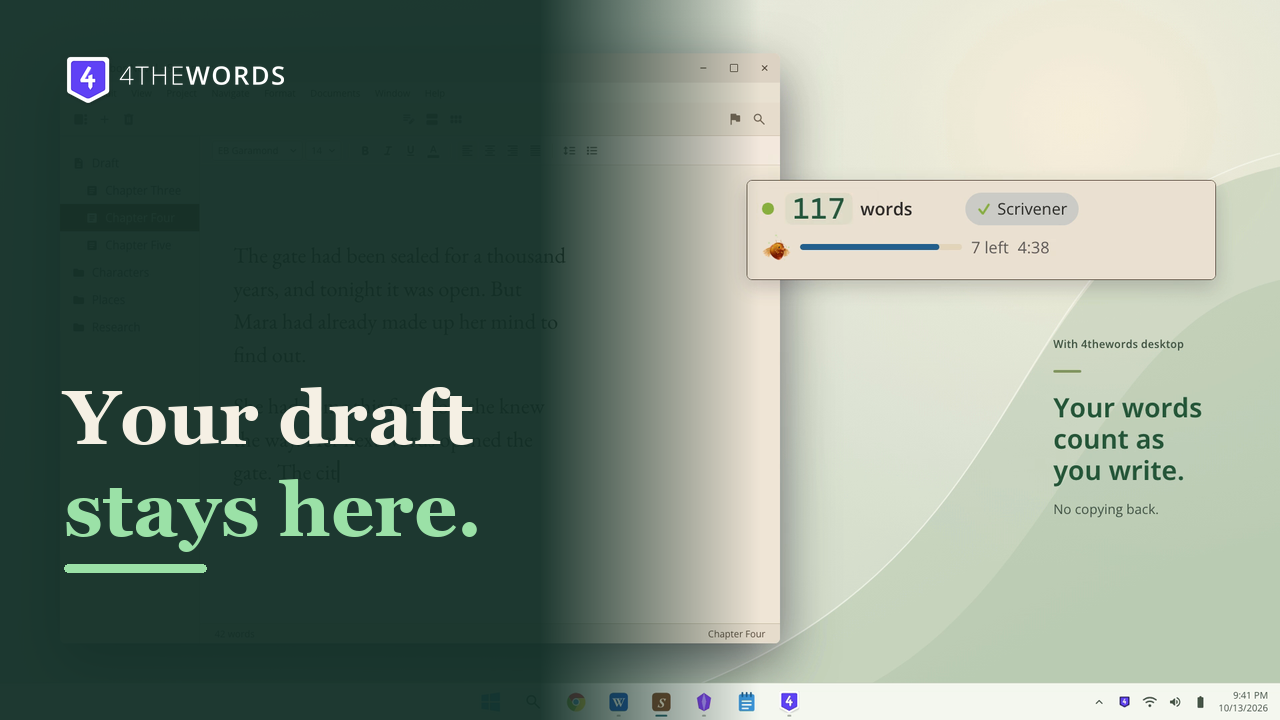
Keep writing in Scrivener.
Your draft stays in Scrivener. The desktop app counts your words as you write.


 4thewords for desktop
Write in Word, Scrivener or any app you like. Every word fights a monster.
 9:41
The shield appears in your menu bar or tray.
Click an app in the dock. You decide what counts.
The app keeps score quietly while you write, and lets you know when something good happens.

Keep it in a window, in your menu bar or tray, or as a slim bar over your draft. Switch anytime.
Your words today, your battle and your daily challenges, all in one place.
Click the shield icon to check your battle without leaving your draft.
Watch the full app fold into a slim bar, then keep your count and battle in view while you write.
Keep your draft in Scrivener, see your writing add up, and turn words into battle wins.
Your draft stays in Scrivener. The desktop app counts your words as you write.
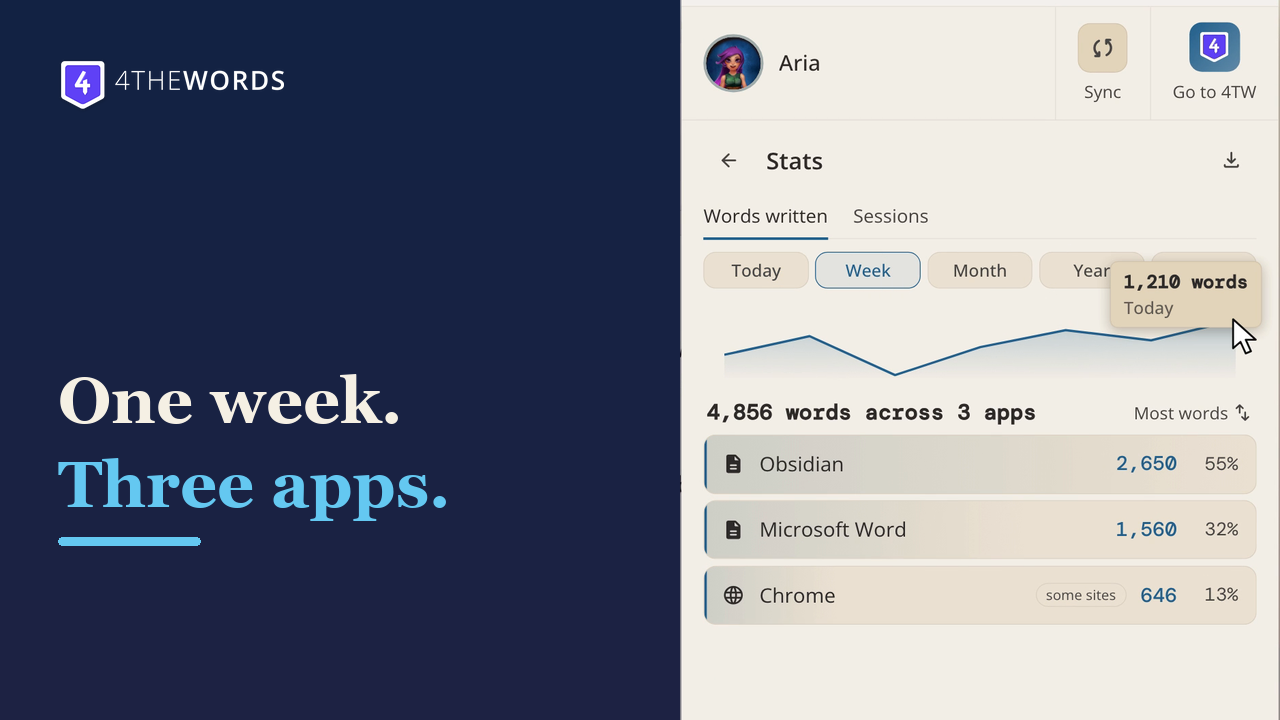
Bring today's words together across the apps you use and see your progress at a glance.
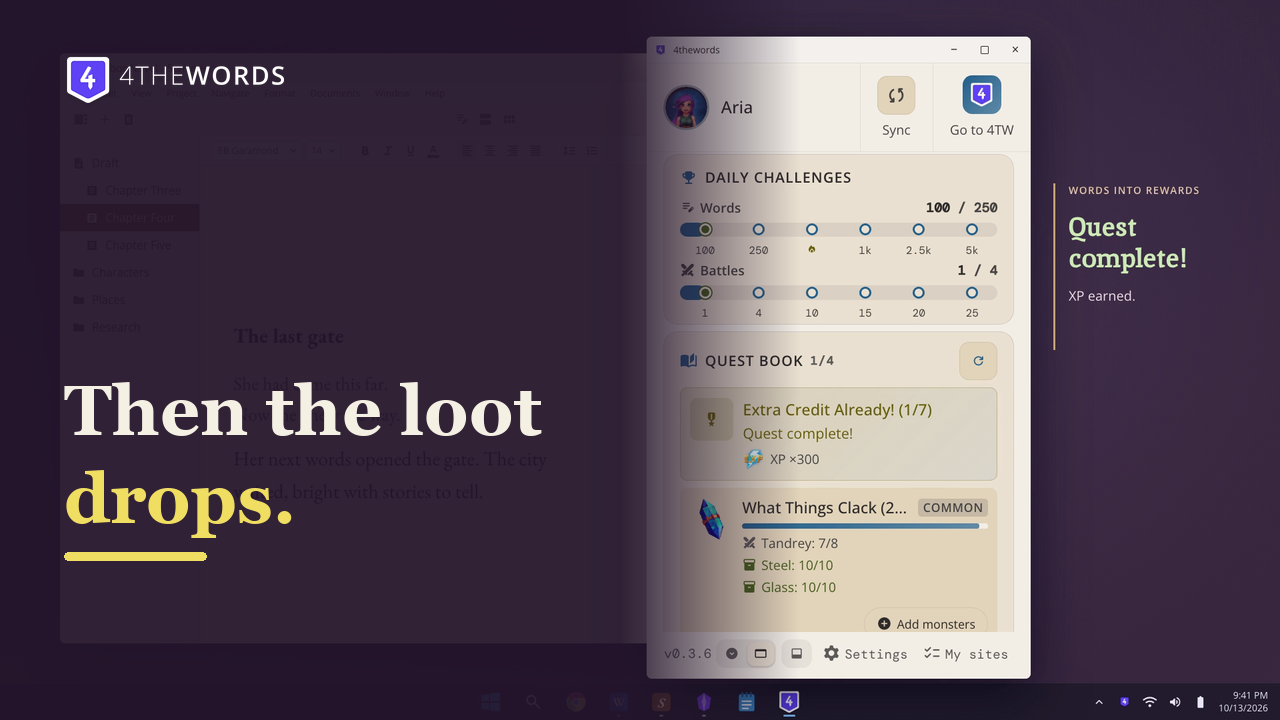
Write, win the battle, and see what your words earn in 4thewords.
The app counts keystrokes on your computer. Your text is never stored or sent.
Lets you participate in all things 4thewords without upending your existing workflow/writing process.
I've written more consistently during this beta test than I did during the weeks leading up to it!
I actually write more than I think I do. I love that it collects all my words in one number.
The fact it counts words in the background and I hit my streak without even thinking about it or needing to start a battle first.
I will never miss my 4thewords streak again now that I don't have to worry about remembering to copy paste onto the website.
I love that some of the less well known writing programs I commonly use, like Jarte, work great with the app.
Checking downloads…
Windows 10 and 11, 64-bit.

No administrator password needed. The Microsoft Store version installs without a warning. If the installer shows "Windows protected your PC", click More info, then Run anyway.
Need a hand? The install guide walks through each system, and the Help Center has the rest.
Free on Mac, Windows and Linux. Words you write in the app count toward Write Fest, Nov 1 to Dec 8.